
Recorded courses for teachers
Half the lesson goes on getting them settled.
Short recorded courses built around the problems of a real teaching week. About 17 minutes a lesson, watched when it suits you, and yours to return to for 24 months.
What are you dealing with this week?
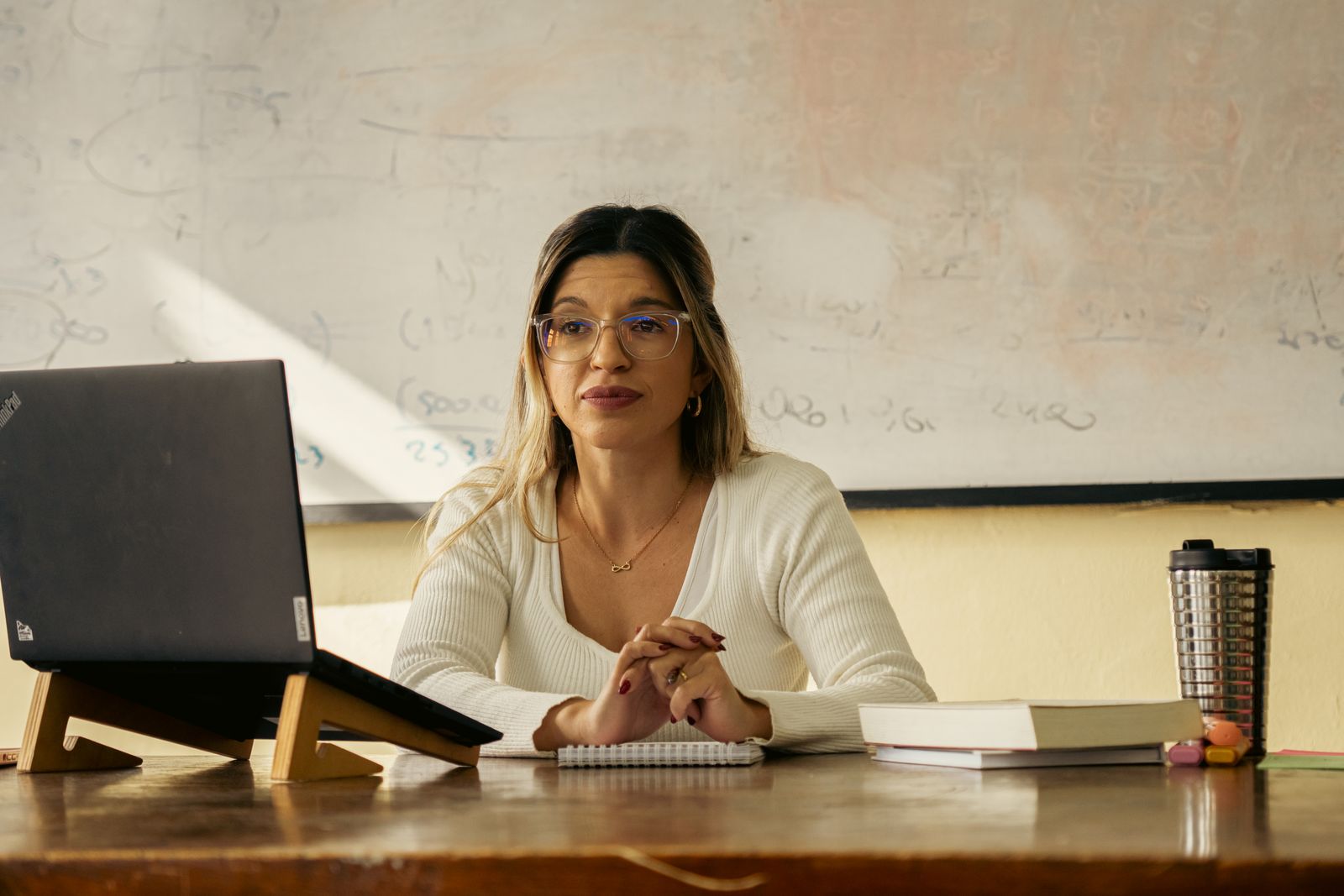
Pause for parents’ evening. The lesson will be waiting when you come back.
The staffroom, on a Monday
Every course starts with a sentence a teacher actually said.
Find yours, then open the course that answers it.
-
Starting out
Half the lesson goes on getting them in, settled and listening.
Calm Classrooms: Routines That Hold -
Starting out
I need someone to tell me what matters this term, and what can wait.
The First Year: Early Career Teaching, Term by Term -
Starting out
I want one structured route through my first two years, not twenty browser tabs.
The Two-Year Early Career Programme -
Sharpening the craft
I ask ‘does everyone get it?’ and a few hands go up. I still don’t know who doesn’t.
Questioning and Checking for Understanding -
Sharpening the craft
I spend my Sunday writing comments that nobody reads.
Feedback Without the Marking Mountain -
Sharpening the craft
I can plan a good lesson. Planning a good half-term is another matter.
Planning a Sequence of Lessons -
Sharpening the craft
Everyone says AI will save me hours. I don’t know what to trust it with.
AI Tools for Planning and Feedback: What Helps and What Doesn't -
Reaching every pupil
I have pupils with needs I have not been trained for, and a class of thirty.
Inclusive Teaching: SEND in the Mainstream Classroom -
Reaching every pupil
A new pupil arrived this morning and we do not share a language.
Teaching Pupils Who Are New to English -
Leading others
I have been asked to mentor an early career teacher, and nobody showed me how.
Mentoring Early Career Teachers -
Leading others
I got the job. Now I have a team, a budget and a department that expects a plan.
Middle Leadership: The First Hundred Days
The shelves
Sorted by what you are facing, not by file type.
Four shelves, 11 courses. Prices are in pounds, taxes included.
Starting out
You are new, or newly in charge of a class, and the first terms feel like a lot.
3 courses

Sharpening the craft
The basics hold. Now you want lessons that do more, for less of your evening.
4 courses-
 Primary and secondary
Questioning and Checking for Understanding
I ask ‘does everyone get it?’ and a few hands go up. I still don’t know who doesn’t. -
 Primary and secondary
Feedback Without the Marking Mountain
-
 Primary and secondary
Planning a Sequence of Lessons
-
 Primary and secondary
AI Tools for Planning and Feedback: What Helps and What Doesn't
Reaching every pupil
The room is mixed. Some pupils need more than the plan gives them.
2 courses
Leading others
You are about to be responsible for other adults' practice as well as your own.
2 courses

How it fits
A week with a course
One short lesson at a time, in the gaps a teaching week leaves. There is no timetable to keep and nothing to hand in.
Lessons average about 17 minutes across the library.
-
Monday Pick up where you stopped
Open the course and the next lesson is waiting. Watch it before the first bell or after the last. It is one idea, taught and shown, and it ends when the idea does.
-
Tuesday Try it on a real class
Each lesson points at something you can do in a lesson you are already teaching. The practice task is your own planning, done in your own planner.
-
Wednesday Stop when the day stops you
Pause anywhere. A meeting, a duty, a tired evening: the course does not mind. Nothing expires at the end of the week, and you have 24 months in all.
-
Thursday Say what changed
Where a course has reflection prompts, they are for you. Write a line about what you tried and what happened. Nobody reads it and nobody grades it.
-
Friday Close the laptop
Nothing to mark and nothing to submit. The next lesson will be there on Monday, or the Monday after that.
Inside a lesson
One screen, nothing to learn first.
A video, a list of where you are and, now and then, a prompt to answer. No app to install and no login dance beyond your access details.
- The videoStreamed in your browser. It is not offered as a file, and it is never live.
- The listUnits and lessons, with ticks for the ones you have finished.
- The promptA question about your own classroom, answered on screen, for you only.

An illustration of the learning screen
Plan your term
How long would it really take?
Tick up to three courses and say how many hours a week you can give. The sum below uses the length of the recorded lessons only; your practice tasks sit on top.
The library in numbers
The whole library, counted from the catalogue.
- 11 courses, each recorded once and streamed to you
- 706 lessons across all of them
- 199 hours of recorded lessons, to the nearest hour
- 24 months you can keep watching each course you buy
One bar for each course. The taller the bar, the more hours of lessons it holds.
Before you buy
What these courses are not
-
Not an accredited qualification
You finish with the Hub’s own certificate of completion. It is not a regulated qualification and does not replace one.
-
No live tutor
Everything is recorded in advance. If you have a question about a course, write to us by chat or email and a person replies.
-
No marking of your work
Practice tasks are for your own planning and your own classroom. Nobody collects them and nobody grades them.
-
Not your school’s induction, or a SENCo’s advice
The courses sit beside the support your school gives you. For a particular pupil, your SENCo or your senior team has the final say.
-
Nothing to download
Lessons are streamed to your screen. There are no files to keep, so you need to be online to watch.
Staffroom questions
Things teachers ask before they buy
Something not here? A person from the Hub will answer.
Contact usWhat does “streamed only” mean?
Every lesson is a video you watch in your browser while you are online. There is no file to download, and there is no live session to attend. You watch when you choose and pause when you need to.
How long do I have access, and how does it start?
Each course stays available to you for 24 months. After you pay, we email your access details within one working day. Our Terms set out the detail.
Which devices can I use?
A laptop, tablet or phone with an up-to-date browser and a steady internet connection. Because the lessons are streamed, you cannot watch them offline.
Do I get a certificate?
When you finish a course you receive the Hub’s own certificate of completion. It records that you completed the course. It is not an accredited qualification.
Can I buy a course for a colleague?
Each course is for one learner. Your colleague can place their own order, or you can buy the courses yourself and forward them the access details we email you.
What if I change my mind?
Your right to cancel, and when it ends once access begins, is explained in our Terms. Please read it before you order.
How do I reach you?
Use the chat bubble at the corner of any page, or write to hello@learningandteachinghub.co.uk. You can also use our contact page.

Start with the problem you have on Monday.
Find the course that answers it, and watch the first lesson this week.
See all 11 courses